


Modifying an existing safe attachments policy
The following steps illustrate how you would use the Security & Compliance Center to modify an existing safe attachments policy named SA block policy to exempt a security analyst named Ellie. The policy is configured with the following options:
- The policy is enabled.
- The action is Block.
- The policy is applied to everyone in the tenant domain.
- Go to the Security & Compliance Center. Sign in using your admin account credentials.
- In the Security & Compliance Center, in the left navigation pane, click Threat management > Policy.
- Click ATP Safe Attachments.
- Select the policy to be modified from the list of safe attachments policies.
- Click the Edit icon (looks like a pencil) to open the SA block policy page.
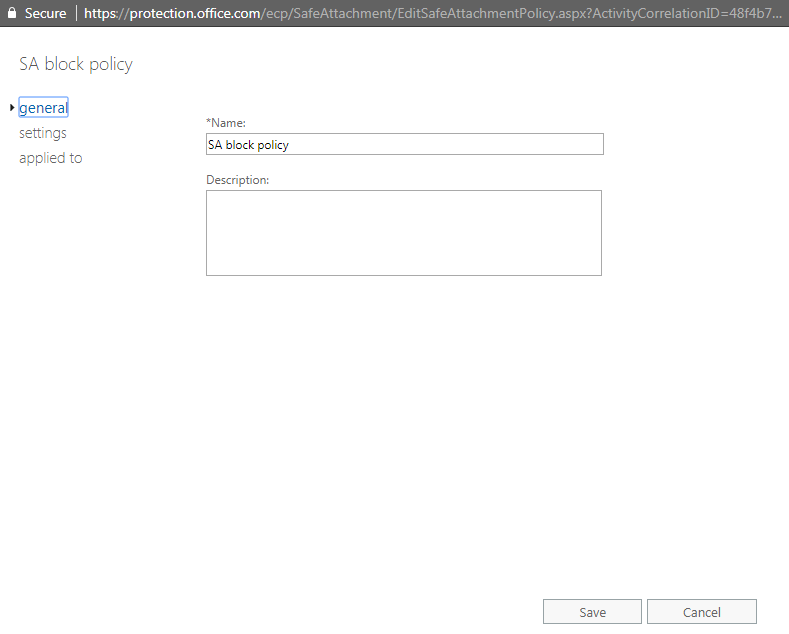
- Click applied to.
- Under Except if…, click the add exception button.
- Select the recipient from the drop-down list and select Investigator Ellie from the Select Members dialog box, click add, and then click OK.
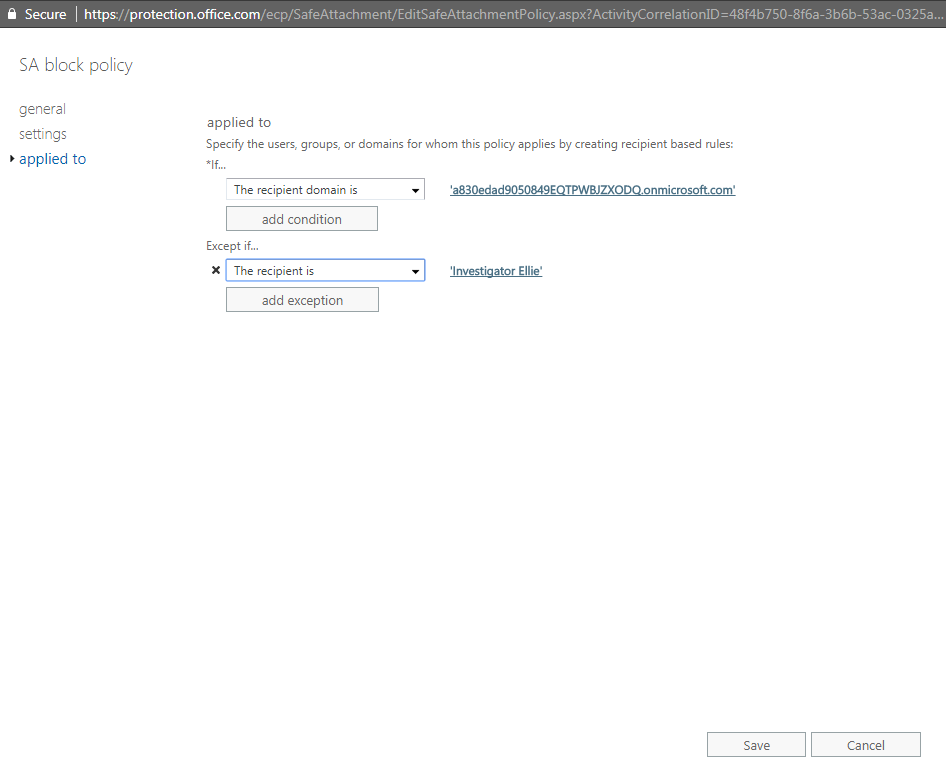
- When you have finished with the settings, click Save.
